Digital Work Card

  DCLOUD · Digital Work Card

The Digital Job Card, with correct structure.

A single solution for marking, tracking and auditing submissions to ERGANI — with a web application for management and a Kiosk for employees. Request a free presentation → See how it works → PIN & personal QR | Continue offline operation | Full submission history
52665565

Digital Work Card DCLOUD

Simple Check-In

With a personal PIN or QR code from any employee.

Live Overview

See who has checked in and what is happening right now.

ERGANI Integration

Submission when a connection is available and automatic synchronization.

Error Monitoring

A clear overview of successful submissions, pending items, and failures.

Simple Check-In

With a personal PIN or QR code from any employee.

ERGANI Integration

Submission when a connection is available and automatic synchronization.

Live Overview

See who has checked in and what is happening right now.

Error Monitoring

A clear overview of successful submissions, pending items, and failures.

From Everyday Operations to Complete Control

Less Uncertainty. More Visibility.

The information management needs, without searching through different screens, files, and handwritten notes.

Know What’s Happening Now

Monitor today’s check-ins and see immediately which employees have arrived or left.

Compare the Full Picture

Scheduled hours, local check-ins, and actual ERGANI activity are presented together in the calendar.

Identify What Needs Attention

Failed or late submissions don’t get lost in technical messages. They remain visible for review and resubmission.

DCLOUD Management Application

Everything You Need, in One Clear Overview.

Management can see the status of the Digital Work Card without having to decode complex data.

Work Calendar

Monthly and weekly view of schedules, check-ins, remote work, and leave.

Current Workforce

An immediate overview of employees and their activities today.

Submission Status

Status, protocols, and technical details available when you need them.

DCLOUD · Digital Work CardCompany: Demo S.A.
Live update
Work CalendarJune 2026
‹   June   ›
EmployeeMon 15Tue 16Wed 17Thu 18Fri 19
EPEleni Papadopoulou
SCH 09:00–17:00IN 08:58 / 17:01
SCH 09:00–17:00CARD 08:57–17:00
Remote Work
SCH 09:00–17:00IN 09:01 / 17:03
SCH 09:00–17:00
NMNikos Mavridis
SCH 08:00–16:00CARD 07:59–16:02
SCH 08:00–16:00IN 08:01 / 16:00
SCH 08:00–16:00
Leave
SCH 08:00–16:00CARD 08:00–16:01
MKMaria Konstantinou
SCH 10:00–18:00
SCH 10:00–18:00IN 09:56 / 18:04
SCH 10:00–18:00CARD 09:58–18:02
SCH 10:00–18:00
Remote Work
Illustrative interface · Data is fictional.
dcloud

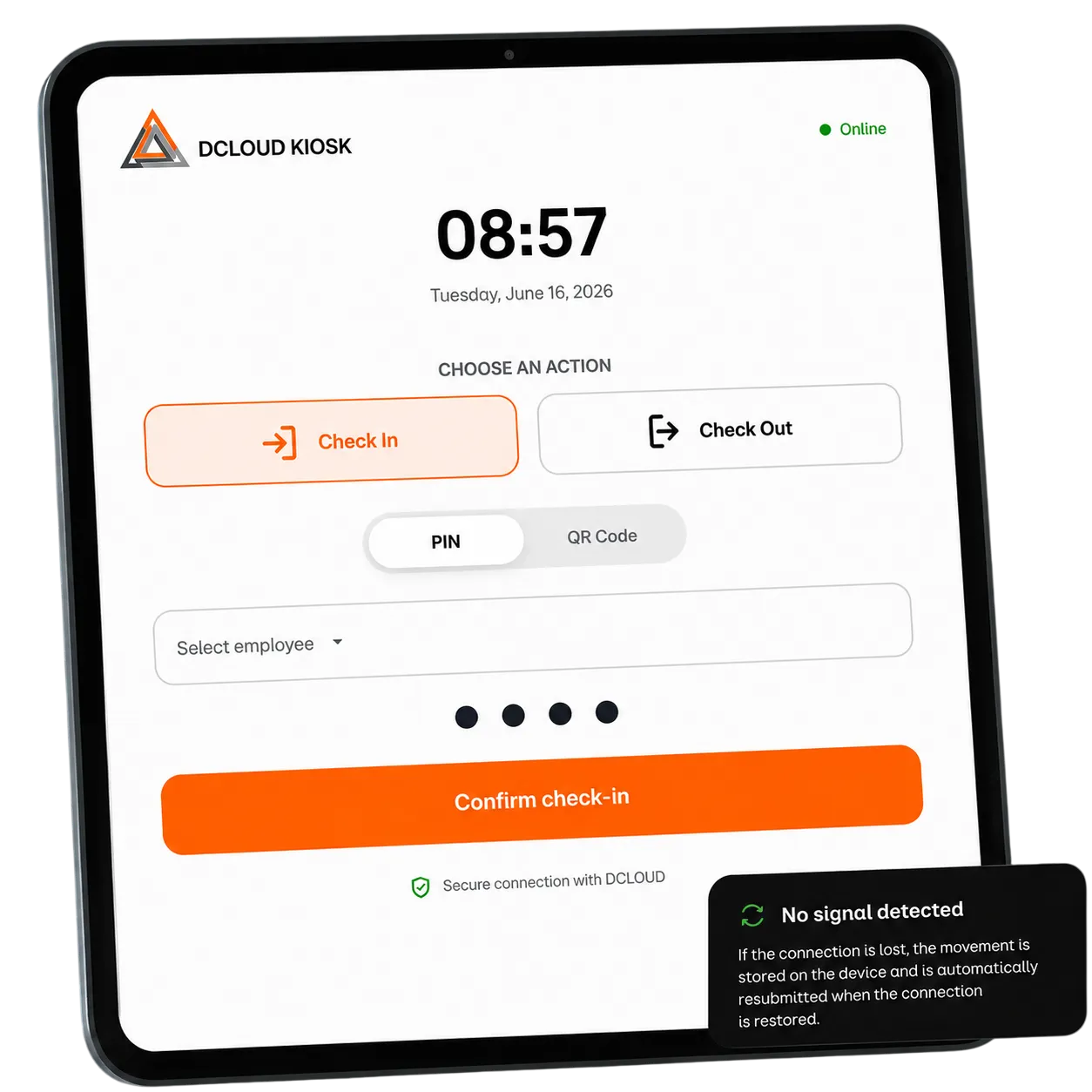
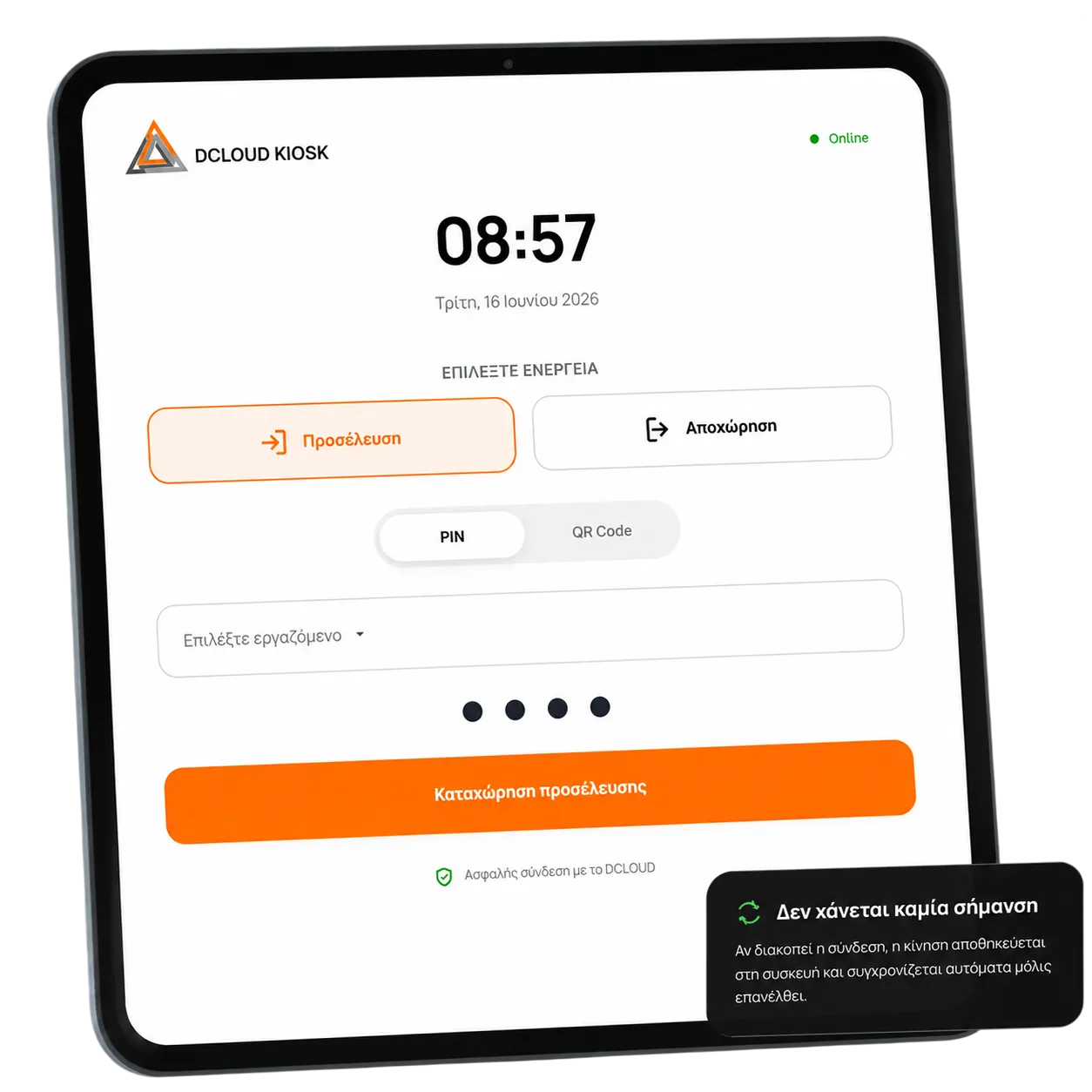
DCLOUD Employee Kiosk

Check-in Takes Just a Few Seconds.

A clean, touch-friendly interface for tablets or computers in the workplace. No complicated menus and no training required.

Personal PIN

Quick identification of every employee.

QR Scanning

An alternative check-in method using the camera.

Offline Continuity

Local queue and automatic synchronization.

Device Management

Registration, revocation, and history for each Kiosk.

DCLOUD Employee Kiosk

Check-in Takes Just a Few Seconds.

A clean, touch-friendly interface for tablets or computers in the workplace. No complicated menus and no training required.

Personal PIN

Quick identification of every employee.

QR Scanning

An alternative check-in method using the camera.

Offline Continuity

Local queue and automatic synchronization.

Device Management

Registration, revocation, and history for each Kiosk.

dcloud

A Complete Solution

Designed for Real-World Everyday Operations.

From the initial setup to daily monitoring, every feature has a clear purpose.

Initial Setup Guide

Check the connection with ERGANI and import employees through guided steps.

Complete Calendar

Scheduled hours, local check-ins, and Work Diary in the same view, by day and employee.

Submission Status

Filters, statuses, protocols, and technical information for every submitted transaction.

Handling Late Submissions

Automatic justification where selected, or a clear “Requires Action” indication for administrator review.

Companies & Branches

Organized access to the data and devices of each company and location.

Roles & Permissions

Information and administrative actions are displayed only to the people who actually need them.

A Simple Workflow, Every Day

From Check-In to Updates, Without Unnecessary Steps.

The Kiosk and the application work as one unified system.

1

The employee checks in

Selects check-in or check-out and identifies themselves with a PIN or personal QR code.

2

DCLOUD submits

The activity is submitted to ERGANI or securely queued if there is no connection.

3

Management reviews

Sees the current status, history, and anything that requires review or resubmission.

adadada

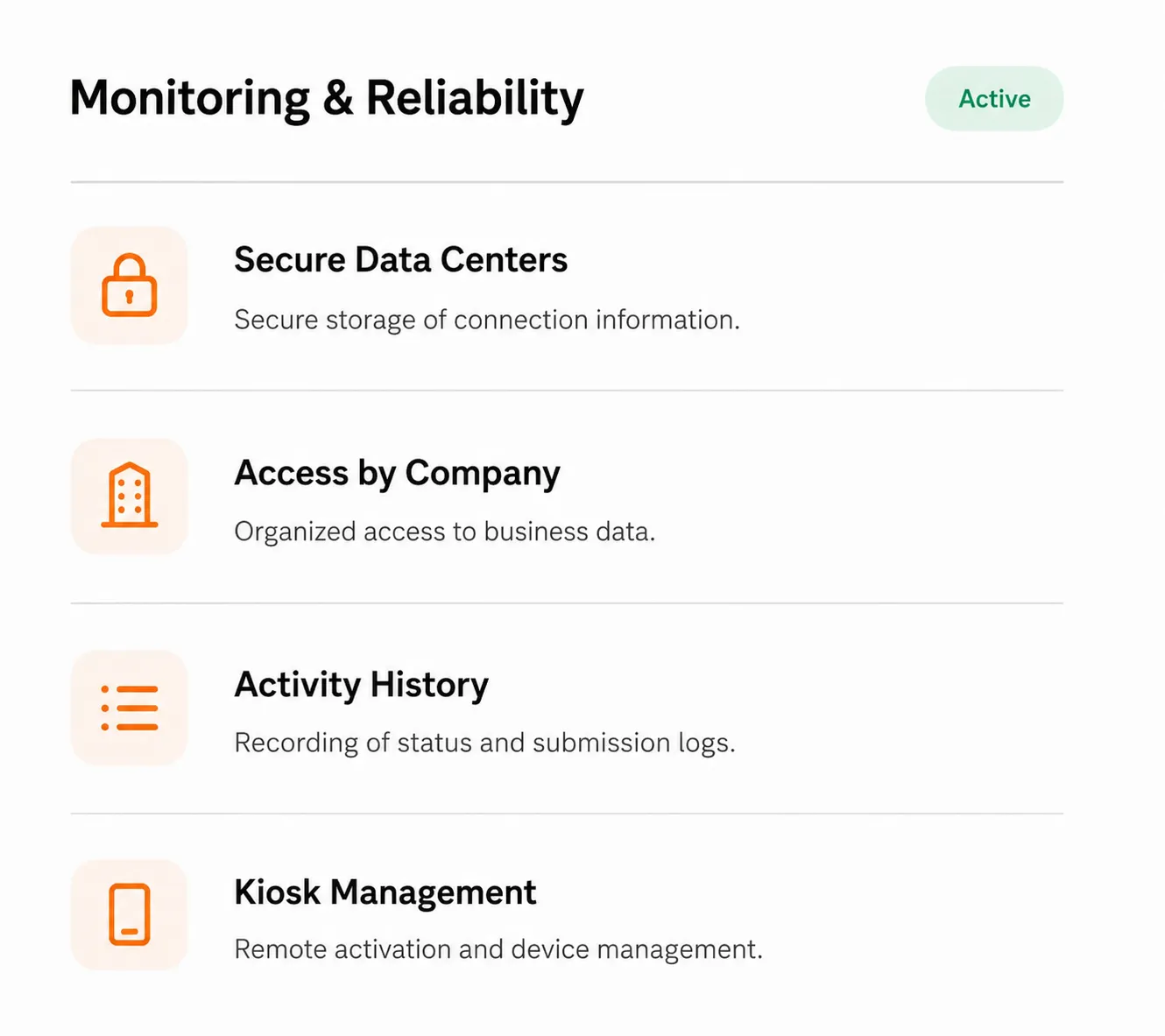
Control You Can Trust

The Right Information, to the Right People.

The Digital Work Card involves critical data. That’s why the solution is designed with clear permissions, controlled devices, and a visible history.

Frequently Asked Questions

Everything You Need to Know Before You Get Started.

The DOMI team provides the presentation and guidance for setting up the solution for your business.
What equipment does the Kiosk require?

It can run on a compatible tablet or computer with a modern browser and internet access. The final equipment selection is verified during installation.

What happens if the internet connection goes down?

The Kiosk stores activity locally on the device and automatically starts synchronization when the connection is restored. The pending queue remains visible so you can track its status.

Do employees use a PIN or QR code?

Both methods are supported. The employee can be selected and enter their personal PIN or scan their personal QR code using the camera.

Can I see if a submission has failed?

Yes. The “Submission Status” section brings together successful, pending, and failed submissions. Where a protocol number or technical information is available, you can view it from the relevant record.

How does the installation process start?

After the initial configuration, the setup guide checks the connection and guides you through importing employees. Our team can provide a detailed walkthrough of the process before activation.

Domi Medical

Give the Digital Work Card the structure it needs.

See the application and Kiosk in a real workflow and discuss your business needs with us.

For more information, contact us at:
+30 210 41 37 123
or fill out the contact form to schedule your demo appointment.

Φόρμα DCLOUD EN
Subscribe to the newsletter?
I consent to the: